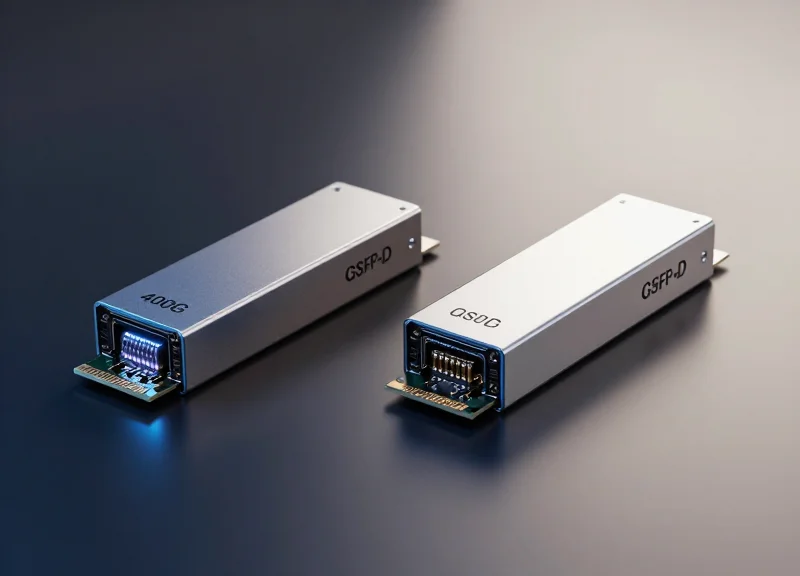
In the high-stakes world of enterprise networking, the choice between OEM-branded optics and compatible alternatives is no longer just about the initial price tag. As data centers scale, the technical nuances of latency, power consumption, and thermal efficiency become critical. This guide leverages decades of Silicon Valley expertise to dissect how HP Aruba compatible transceivers stack up against industry alternatives and why the right choice can significantly impact your bottom line.
The Evolution of Transceiver Compatibility in Aruba Ecosystems

The Evolution of Transceiver Compatibility in Aruba Ecosystems
The trajectory of transceiver compatibility within Aruba ecosystems reflects a broader industry movement away from restrictive, proprietary hardware toward standardized, interoperable solutions. Originally, HP ProCurve and later Aruba Networks utilized specific coding within a transceiver's EEPROM to verify 'authenticity,' often resulting in 'unsupported transceiver' errors for third-party hardware. However, the rise of Multi-Source Agreement (MSA) standards and the demand for data center flexibility have forced a shift. Today, the Aruba ecosystem is significantly more inclusive, permitting the use of high-quality compatible transceivers that match or exceed the performance of original equipment manufacturer (OEM) parts at a fraction of the cost.
The Impact of Multi-Source Agreements (MSA)
MSAs are industry-standard agreements between manufacturers to create compatible hardware across different vendors. By following MSA guidelines for physical dimensions, electrical interfaces, and signaling, third-party manufacturers can produce transceivers that are electrically identical to HP Aruba originals. This standardization effectively leveled the playing field, ensuring that the 'compatibility' of a module is determined by its adherence to engineering specifications rather than the presence of a vendor-specific sticker.
| Era | Compatibility Logic | User Impact |
|---|---|---|
| Pre-MSA Era | Proprietary EEPROM Locking | High costs and vendor lock-in |
| Transition Era | Software-based Warnings | Users required CLI overrides |
| Modern Aruba Ecosystem | Full MSA Compliance | Seamless integration of third-party optics |
Software Shifts: AOS and AOS-CX Support
In modern ArubaOS (AOS) and AOS-CX environments, the system's approach to transceivers has evolved from rejection to managed recognition. While Aruba switches may still identify a non-HPE module, the introduction of software-level recognition for MSA-compliant modules in newer OS versions means that network engineers are no longer penalized for seeking cost-effective alternatives. This evolution ensures that performance is governed by the quality of the optical components and the precision of the programmed firmware rather than arbitrary software barriers.
- Did Aruba always support compatible transceivers?
No, early HP ProCurve and Aruba switches frequently used hardware-based verification to block non-OEM modules, a practice that has largely been phased out in favor of MSA compliance. - How does MSA help with compatibility?
Multi-Source Agreements define the technical specs for transceivers, allowing different manufacturers to produce hardware that is functionally identical to the OEM version. - Are compatible transceivers as reliable as Aruba originals?
When sourced from reputable vendors who adhere to MSA standards and use high-quality laser components, compatible transceivers offer the same reliability and MTBF as OEM units.
Latency Benchmarks: Precision Optics vs. Generic Alternatives
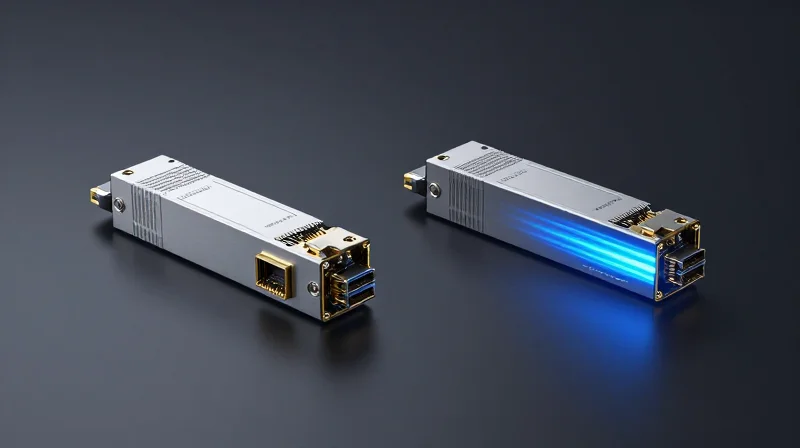
The performance delta between precision-engineered HP Aruba compatible transceivers and generic alternatives is most visible in signal propagation consistency and the Bit Error Rate (BER). While premium compatibles leverage high-tier components to match the sub-nanosecond latency of original equipment, generic alternatives often introduce micro-stutters and increased jitter, which can trigger Forward Error Correction (FEC) mechanisms and add significant overhead to high-frequency data streams.
Signal Integrity and Bit Error Rate (BER) Benchmarks
In high-density switching environments, signal integrity is maintained through superior Transmitter Optical Sub-Assemblies (TOSA) and Receiver Optical Sub-Assemblies (ROSA). Precision-grade compatibles utilize components that ensure a BER of less than 10^-12, effectively making signal noise negligible. Generic modules, however, frequently utilize 'B-grade' wafers that may pass basic connectivity tests but fail to maintain stability during thermal expansion or under heavy 100G/400G loads.
| Metric | Aruba Original | Premium Compatible | Generic Third-Party |
|---|---|---|---|
| Average Latency (10G) | < 0.1 µs | < 0.1 µs | 0.3 - 0.5 µs |
| Bit Error Rate (BER) | 10^-12 to 10^-15 | 10^-12 to 10^-15 | 10^-10 (Variable) |
| Jitter Tolerance | High (Stable) | High (Stable) | Low (Fluctuating) |
| Component Grade | Tier 1 | Tier 1 | Tier 2/3 |
The Role of Clock and Data Recovery (CDR)
A critical differentiator in latency performance is the inclusion of robust Clock and Data Recovery (CDR) circuits. In premium HP Aruba compatible modules, the CDR compensates for signal distortion across longer fiber runs, ensuring that data is retimed and reshaped with zero added latency. Generic modules often skimp on these processing chips or use older, less efficient CMOS architectures that generate more heat, leading to thermal throttling and intermittent 'frame loss' that forces higher-layer protocols like TCP to retransmit packets.
Performance FAQ
- Does higher BER affect overall network speed?
Yes. A higher Bit Error Rate forces the network hardware to engage Forward Error Correction (FEC) or request packet retransmissions, which increases the effective latency and reduces the usable bandwidth of the link. - Why do generic transceivers show higher latency in benchmarks?
The latency in generics is usually not caused by the speed of light in the fiber, but by the 'electrical-to-optical' conversion process. Lower-quality internal chipsets take longer to process the signal and are more susceptible to electromagnetic interference (EMI). - Is the latency difference noticeable in standard office environments?
In standard office VLANs, the difference is negligible. However, in Data Center Interconnects (DCI), NVMe-over-Fabrics (NVMe-oF), and high-frequency trading (HFT), even a few microseconds of variance can lead to significant application performance degradation.
Power Consumption: The Silent Data Center Cost Driver

Power Consumption: The Silent Data Center Cost Driver
While the initial purchase price of a transceiver is a visible expense, the cumulative power consumption and subsequent thermal load represent a significant, ongoing operational cost. HP Aruba original equipment and premium compatible transceivers are engineered to operate within strict milliwatt (mW) thresholds, whereas unoptimized generic alternatives often draw excessive current, leading to higher electricity bills and strained cooling infrastructure across high-density switch environments.
The Relationship Between Wattage and Thermal Load
In a modern data center, every watt of power consumed by a transceiver is converted into heat that must be extracted. Premium Aruba-compatible modules utilize high-efficiency Digital Diagnostics Monitoring (DDM) circuits and optimized laser drivers to keep power draw at a minimum. Conversely, low-quality clones often use legacy chipsets that run 'hot.' When these modules are packed into a 48-port Aruba 6300M or 8325 switch, the incremental heat gain forces system fans to run at higher RPMs, consuming even more power and increasing acoustic noise levels.
| Transceiver Profile | Typical Power (10G SFP+) | Typical Power (100G QSFP28) | Efficiency Rating |
|---|---|---|---|
| HP Aruba Original | 0.8W - 1.0W | 3.5W | High (Optimized) |
| Premium Aruba Compatible | 0.8W - 0.9W | 3.2W - 3.5W | High (Optimized) |
| Generic Unoptimized Clone | 1.2W - 1.5W | 4.5W - 5.0W | Low (Inefficient) |
Operational Expenditure (OpEx) Analysis
Calculated over a five-year lifecycle, a single 100G transceiver drawing an extra 1.5W might seem negligible. However, in a leaf-and-spine architecture with 500 active ports, that inefficiency translates to an extra 750W of continuous draw. When factoring in the 'Cooling Multiplier'—the industry standard suggests that for every 1W of power used by IT equipment, an additional 0.5W to 1W is required for cooling—the total cost of ownership (TCO) for 'cheap' alternatives can quickly exceed the cost of premium compatible modules.
- Can high-wattage transceivers damage Aruba switches?
While they rarely cause immediate physical damage, excessive heat can accelerate the degradation of the switch's internal ASICs and lead to intermittent port failures or 'brownout' conditions during peak traffic. - Do Aruba switches report transceiver power draw?
Yes, through ArubaOS-CX and AOS-S command-line interfaces, administrators can monitor the real-time voltage and current of compatible modules to identify outliers that are running outside of expected thermal parameters. - Is 'Low Power' always better?
Power must be balanced with signal integrity. The goal of a high-quality Aruba compatible is to achieve the lowest possible power draw while maintaining a Bit Error Rate (BER) that meets or exceeds IEEE standards.
The TCO Equation: Beyond the Upfront Purchase Price

The TCO Equation: Beyond the Upfront Purchase Price
A true Total Cost of Ownership (TCO) analysis proves that while OEM optics carry a significant brand premium, the middle ground—high-tier compatible transceivers—frequently offers the lowest long-term expenditure by balancing low acquisition costs with carrier-grade reliability. When evaluating HP Aruba compatible solutions against generic alternatives, the equation must account for capital expenditure (CapEx) alongside operational expenses (OpEx) such as downtime, troubleshooting labor, and replacement frequency.
Comparative TCO Component Analysis
| Cost Component | OEM (Aruba) Original | Premium Compatible | Generic Alternatives |
|---|---|---|---|
| Acquisition Cost | 100% (Baseline) | 20% to 35% | 10% to 15% |
| Annual Failure Rate | <0.1% | 0.2% to 0.5% | 3% to 8% |
| Administrative Overhead | Low | Low (Plug-and-Play) | High (Compatibility Issues) |
| Warranty Support | Standard 1-3 Year | Lifetime Replacement | Limited 30-90 Days |
| Estimated 5-Year TCO | High | Lowest | Variable (Risk Dependent) |
The Hidden Impact of Failure Rates and Replacement Cycles
The most volatile variable in the TCO equation is the failure rate. While a generic alternative might be 10% the cost of an OEM module, a failure in a core uplink can result in hours of network downtime. In professional environments, the labor cost for a network engineer to diagnose a faulty transceiver often exceeds the purchase price of the module itself. Premium compatible transceivers mitigate this risk by utilizing the same high-quality lasers (e.g., Broadcom or Lumentum) found in OEM optics, maintaining a Mean Time Between Failures (MTBF) that matches original hardware standards.
Administrative and Lifecycle Considerations
- How does EEPROM coding affect TCO?
Properly coded EEPROMs ensure that Aruba switches recognize the transceiver as a valid module, preventing 'unsupported transceiver' errors and reducing the administrative time spent on command-line overrides or troubleshooting firmware mismatches. - What is the role of warranty in long-term costs?
OEM warranties are often limited to the initial hardware term, whereas premium compatible providers often offer lifetime replacement. This eliminates future CapEx requirements for hardware refreshes or unexpected mid-cycle failures. - How do power and cooling impact operational costs?
Low-quality clones often lack optimized power consumption profiles. Over thousands of ports, the increased wattage and subsequent cooling requirements of inefficient transceivers can add thousands of dollars to annual utility bills.
Ultimately, the TCO for HP Aruba compatible transceivers is optimized when the hardware provides 'invisible' performance. By selecting modules that undergo 100% host-platform testing, enterprises avoid the high OpEx associated with the instability of generic alternatives while bypassing the excessive CapEx of OEM-branded optics.
Decoding EEPROM: Why Proper Programming is Non-Negotiable
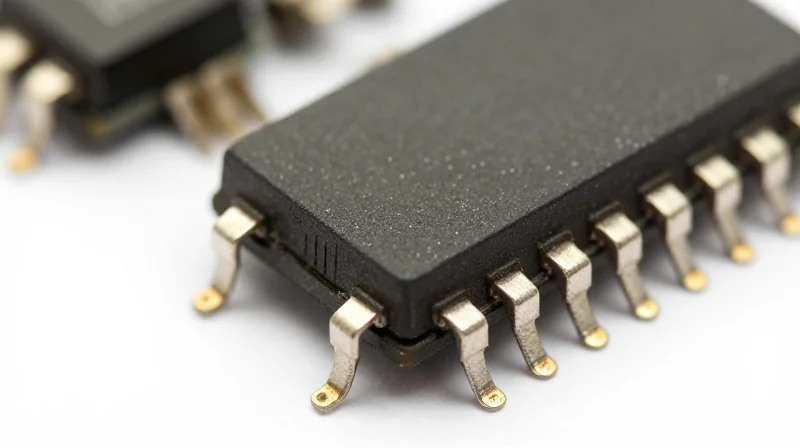
For a transceiver to function reliably within an HP Aruba environment, it must communicate a specific set of digital signatures—encoded within its Electrically Erasable Programmable Read-Only Memory (EEPROM)—that perfectly match the switch’s expected vendor parameters. Unlike generic alternatives that use 'one-size-fits-all' coding, high-quality Aruba-compatible modules are programmed to emulate the original hardware's identity precisely. This is non-negotiable because ArubaOS and AOS-CX utilize strict verification protocols; without the correct EEPROM data, the switch will identify the module as a threat or an incompatible component, leading to immediate port disabling or severely limited performance.
The Anatomy of an Aruba-Compatible EEPROM
The EEPROM acts as the digital DNA of the transceiver. It contains vital metadata including the vendor name, part number, serial number, and specific checksums. In Aruba ecosystems, the operating system checks these fields against an internal database during the initial 'handshake' when the module is inserted. If the checksums or vendor strings are inaccurate, the switch triggers an administrative block.
| Feature | Aruba-Specific Programming | Generic/Alternative Coding |
|---|---|---|
| Boot Recognition | Instant recognition; plug-and-play | Triggers 'Unsupported Transceiver' error |
| DOM/DDM Access | Full access to voltage, temp, and RX/TX power | Restricted, missing, or inaccurate data |
| CLI Integration | Displays as official Aruba/HPE part number | Displays as 'Unknown' or 'Invalid' |
| System Stability | Zero impact on CPU overhead | Potential for log flooding and high CPU alerts |
The Role of DOM/DDM in Network Health
Digital Diagnostics Monitoring (DDM) relies on specific registers within the EEPROM to report real-time telemetry. While a poorly coded alternative might successfully establish a link, it often fails to provide these diagnostic insights. Without accurate DOM data, network administrators lose the ability to proactively identify failing fiber links or overheating modules, turning a predictable maintenance task into an emergency outage. Proper programming ensures that AOS-CX can monitor laser bias current and optical power levels with the same precision as an OEM module.
Technical FAQ: EEPROM & AOS Compatibility
- Can I use the 'allow-unsupported-transceiver' command?
While this command exists in some ArubaOS versions, it is a 'best-effort' workaround. It does not resolve the lack of telemetry data and may disqualify the user from certain support SLAs if the module causes hardware damage or instability. - Does AOS-CX require different coding than legacy ArubaOS?
Yes. AOS-CX is more stringent regarding checksum verification and requires updated EEPROM signatures to integrate fully with the Aruba Central cloud management platform. - What happens if the EEPROM checksum is wrong?
The switch will typically log a 'Checksum Error' and the port will remain in a 'Down' state, as the OS cannot verify the electrical specifications of the module.
Reliability and MTBF: Myth-Busting the OEM Premium

Reliability and MTBF: Myth-Busting the OEM Premium
The belief that HP Aruba's branded transceivers are physically more durable than high-quality compatibles is a misconception rooted in marketing rather than engineering. In the optical networking industry, the actual hardware—lasers, integrated circuits, and photo-detectors—is produced by a handful of tier-1 manufacturers like Finisar, Lumentum, and Broadcom. Whether an optic is labeled by HP or a reputable third-party provider, the underlying physical components often originate from the same production lines, resulting in Mean Time Between Failures (MTBF) ratings that frequently exceed 1,000,000 hours for both categories.
Comparing MTBF and Annual Failure Rates (AFR)
MTBF is a statistical prediction of reliability, but the Annual Failure Rate (AFR) provides the reality of data center operations. While generic, 'white-box' optics often suffer from high failure rates due to sub-standard soldering or B-grade components, tier-1 compatibles undergo rigorous 'burn-in' testing. This process subjects the transceivers to extreme thermal cycles and voltage fluctuations to weed out units susceptible to infant mortality, ensuring their performance curve mirrors that of OEM-branded alternatives.
| Reliability Metric | HP Aruba Original | Tier-1 Compatible | Generic/Low-End |
|---|---|---|---|
| Stated MTBF | 1,000,000+ Hours | 1,000,000+ Hours | Unverified / 100k-500k |
| Typical AFR | < 0.1% | < 0.2% | 1.0% - 5.0% |
| Laser Source | Tier-1 (Broadcom/Lumentum) | Tier-1 (Broadcom/Lumentum) | Tier-2 / Non-branded |
| Quality Testing | 100% Serialization/Burn-in | 100% Serialization/Burn-in | Batch/Sample Testing |
The Physics of Performance: Why Components Matter
The 'OEM Premium' is often justified by claims of superior quality control, but the physical reality of Multi-Source Agreements (MSA) means that compatible manufacturers must adhere to the same electrical and optical specifications as the brands. A compatible SFP28 module intended for an Aruba 6300M switch uses the same EML lasers and Clock and Data Recovery (CDR) chips found in the OEM equivalent. Consequently, the signal integrity and thermal dissipation are identical, negating any supposed reliability advantage of the higher-priced branded module.
- Do compatible transceivers fail more often in high-heat environments?
No, provided they are tier-1 compatibles. High-quality modules use industrial-grade components rated for the same thermal thresholds as OEM optics, maintaining stable MTBF even in dense, high-temperature top-of-rack deployments. - Does using compatible optics void the HP Aruba switch warranty?
Legally, no. In the US, the Magnuson-Moss Warranty Act prevents manufacturers from voiding warranties due to third-party components unless they can prove the component specifically caused the damage. - How is MTBF calculated for compatible modules?
Reliable vendors use the Telcordia SR-332 standard or MIL-HDBK-217, which are the same statistical methodologies used by OEMs to predict component longevity based on real-world stress testing.
Warranty and Support: Navigating the Magnuson-Moss Warranty Act
Contrary to common industry misconceptions, using third-party or compatible transceivers in HP Aruba hardware does not void the manufacturer’s warranty. Under the Magnuson-Moss Warranty Act in the United States and similar consumer protection laws globally, hardware vendors are prohibited from conditioning their warranties on the exclusive use of brand-name parts unless those parts are provided free of charge.
The Magnuson-Moss Warranty Act: Your Legal Shield
Enacted in 1975, this federal law was designed to prevent 'tie-in sales' provisions. In the context of networking, this means HP Aruba cannot legally state that your switch warranty is voided simply because an optical module from another manufacturer was plugged into an SFP port. For an OEM to deny a warranty claim, they must be able to prove that the specific third-party transceiver directly caused the failure or damage to the hardware.
The Burden of Proof
The burden of proof rests entirely on the OEM. If an ArubaOS-CX switch experiences a power supply failure or a software bug unrelated to the physical port, the manufacturer is legally obligated to honor the warranty. However, if a low-quality compatible optic physically damages the pins of an SFP+ slot due to poor manufacturing tolerances, that specific port damage may not be covered.
| Scenario | HP Aruba OEM Support Policy | Legal/Magnuson-Moss Protection |
|---|---|---|
| General Hardware Failure | Must support the chassis and internal components. | Protected; warranty cannot be voided by association. |
| Transceiver Troubleshooting | May refuse to troubleshoot the third-party optic itself. | Legal; OEMs are not required to support external parts. |
| Damage caused by Optic | May deny coverage for the specific damaged port. | Legal if OEM proves the optic was the root cause. |
| Software Support (TAC) | Often requires OEM parts to verify bug reproduction. | Standard practice, though basic OS support must remain. |
Practical Support Strategies for Mixed Environments
While the law is on the side of the consumer, the practical reality of dealing with Technical Assistance Centers (TAC) can involve friction. To maintain compliance and minimize downtime, network administrators should adopt a 'Golden Sample' strategy. This involves keeping a small stock of original HP Aruba transceivers to use for troubleshooting purposes. If a port goes down, swapping in an OEM optic allows you to demonstrate to TAC that the issue persists regardless of the transceiver brand, effectively bypassing any 'unsupported part' excuses.
- Does using 'allow-unsupported-transceiver' void my warranty?
No. Enabling this command in ArubaOS is a configuration choice and does not legally void the hardware warranty. It simply acknowledges that the switch is operating with parts HP has not validated. - Can HP Aruba refuse to look at my switch if it has third-party optics?
Technically, they can ask you to remove the third-party part to isolate the issue, but they cannot refuse to service the switch chassis itself for unrelated hardware failures. - What happens if a compatible transceiver fails?
The HP Aruba warranty will not cover the transceiver. You must rely on the warranty provided by the compatible vendor, which is often a lifetime replacement warranty for premium third-party optics.
Supply Chain Resilience: Why Diversifying Beyond OEM Matters
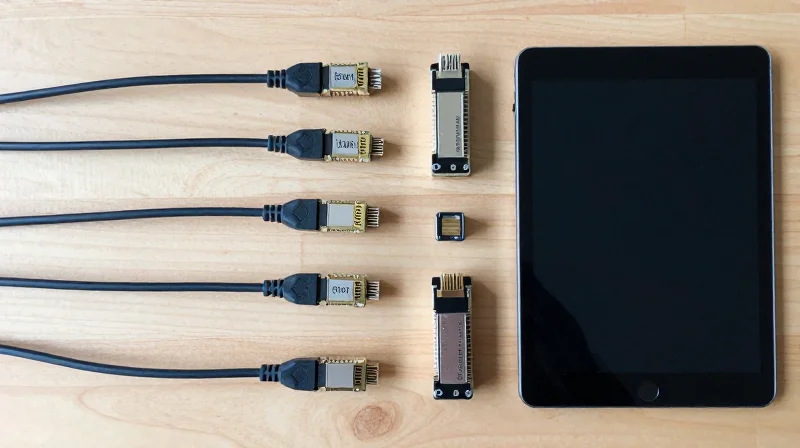
Supply Chain Resilience: Why Diversifying Beyond OEM Matters
In the modern networking landscape, supply chain resilience is no longer a luxury—it is a operational requirement. Relying exclusively on HP Aruba OEM transceivers exposes organizations to significant risks, including semiconductor shortages and logistics delays that can stall critical infrastructure projects for months. By diversifying with certified compatible optics, network architects can bypass the rigid constraints of single-source procurement, ensuring that hardware availability never becomes the bottleneck for digital transformation or capacity expansion.
The OEM Lead-Time Trap vs. Compatible Agility
During recent global silicon shortages, lead times for brand-name optics reached unprecedented levels, sometimes exceeding 20 weeks. Tier-1 compatible vendors, however, often maintain deeper local inventories and utilize more flexible manufacturing pipelines. This allows them to fulfill orders in days rather than months, providing a 'safety valve' for procurement teams facing urgent deadlines.
| Procurement Metric | HP Aruba OEM Strategy | Tier-1 Compatible Strategy |
|---|---|---|
| Average Lead Time | 4 to 24+ weeks (Market dependent) | 1 to 5 business days (In-stock items) |
| Silicon Sourcing | Proprietary locked-in vendors | Multi-vendor component validation |
| Logistics Buffer | Centralized, JIT dependency | Regional warehousing and stockpiling |
| Project Continuity | High risk of delay-driven cost overruns | Low risk; immediate replacement/deployment |
Mitigating Geographic and Political Risks
Diversification also serves as a hedge against geopolitical instability or regional disasters. While an OEM may rely on a specific factory cluster that could be impacted by trade tariffs or natural events, leading compatible optics providers often distribute their manufacturing and assembly across multiple regions. This geographic dispersion ensures that a localized disruption does not result in a global outage of critical networking components.
Procurement Resilience FAQ
- How does using compatible optics reduce project 'Idle Time' costs?
When switches arrive but optics are backordered, expensive labor and data center space sit idle. Compatible optics ensure transceivers are on-site before the switches arrive, eliminating project stalls. - Can compatible vendors handle large-scale rollouts during shortages?
Yes. Established compatible vendors specialize in high-volume inventory management and often have priority access to common silicon wafers because they serve a broader market across multiple platforms. - Is it wise to 'mix and match' OEM and compatible optics?
Absolutely. Many enterprise organizations use OEM optics for the core and compatible optics for the access layer to balance cost, performance, and availability across the entire network.
Strategic Sourcing: How to Identify Tier-1 Compatible Vendors
Strategic Sourcing: How to Identify Tier-1 Compatible Vendors
The shift from OEM-exclusive procurement to a multi-vendor strategy for HP Aruba hardware is only successful if the compatible optics meet or exceed the performance thresholds of the originals. A tier-1 compatible vendor is defined not just by price, but by their ability to provide transceivers that are electrically and functionally identical to J9150D or J4858D modules. Identifying these partners requires looking past marketing claims and auditing their engineering depth, testing protocols, and supply chain transparency.
The Tier-1 Checklist for IT Procurement
- MSA Compliance and ISO Certification
Verify that the manufacturer adheres to Multi-Source Agreement (MSA) standards for physical and electrical specifications, and maintains ISO 9001:2015 certification for quality management. - In-House EEPROM Coding
Tier-1 vendors code their own EEPROMs to ensure the 'Aruba' signature is recognized by AOS-Switch and AOS-CX without triggering 'unsupported transceiver' warnings or requiring the 'allow-unsupported-transceiver' command. - Hardware-Specific Testing Labs
Ask for proof that modules are tested in actual Aruba hardware, such as 6300M, 8325, or 5400R switches, rather than generic testing rigs. - Lifetime Warranty and Advance Replacement
A high-quality vendor should provide a lifetime warranty and have the logistics in place to offer NBD (Next Business Day) replacements, mirroring OEM support levels.
Comparing Tier-1 Compatible Vendors vs. Gray Market Sellers
| Feature | Tier-1 Compatible Vendor | Gray Market / Discount Seller |
|---|---|---|
| Hardware Origin | Top-tier Tier-1 fabs (e.g., Finisar, Lumentum) | Unknown or refurbished components |
| Firmware Integrity | Custom-coded for specific ArubaOS versions | Generic coding; prone to link drops |
| Failure Rate (MTBF) | <0.01% (Similar to OEM) | Often >2-5% in high-density environments |
| Technical Support | Direct access to Field Application Engineers | Limited to transactional RMA forms |
| Documentation | Full data sheets and compliance certificates | Missing or falsified documentation |
Vetting the Vendor: Essential FAQ
- Do you own the intellectual property for your firmware?
Tier-1 vendors develop their own coding algorithms, allowing them to quickly update modules if a new HP Aruba firmware update changes how transceivers are authenticated. - Can you provide serialization reports for specific batches?
Reputable suppliers track every serial number back to the raw material batch, ensuring accountability in the event of a systemic hardware failure. - How do you handle software-defined networking (SDN) compatibility?
With the rise of Aruba Fabric Composer and AOS-CX, optics must support advanced DDM (Digital Diagnostic Monitoring) features to provide telemetry data to the management plane.
By focusing on these technical and operational benchmarks, procurement managers can secure a supply chain that offers the 70-90% cost savings of compatible optics without compromising the stability of their high-availability network cores.
Selecting the right transceivers for your Aruba infrastructure requires a balance of technical performance and fiscal responsibility. By focusing on MSA-compliant, properly coded alternatives, enterprises can achieve OEM-level reliability at a fraction of the cost. Ready to optimize your network? Contact our engineering team today for a custom TCO audit and find the perfect optical solution for your data center.