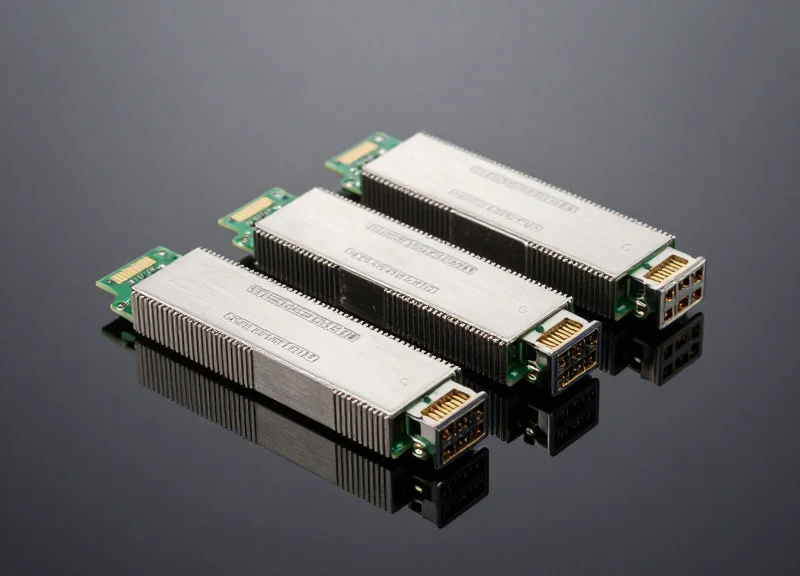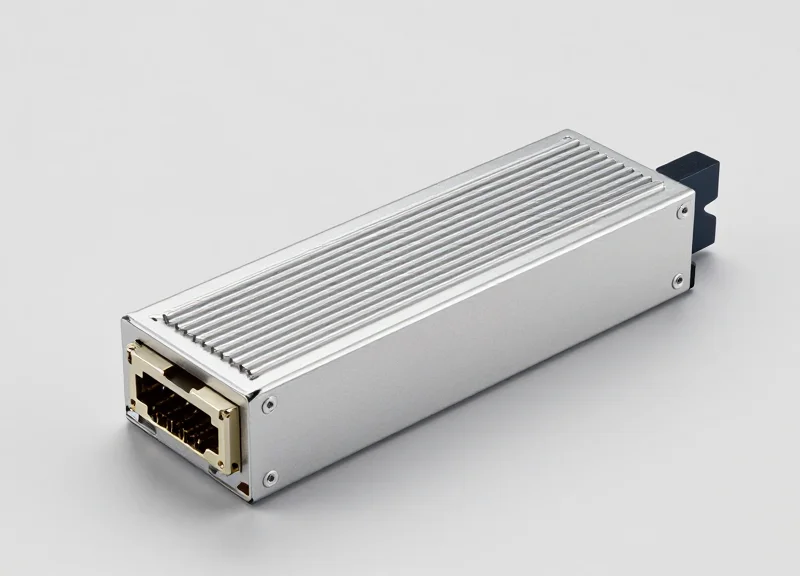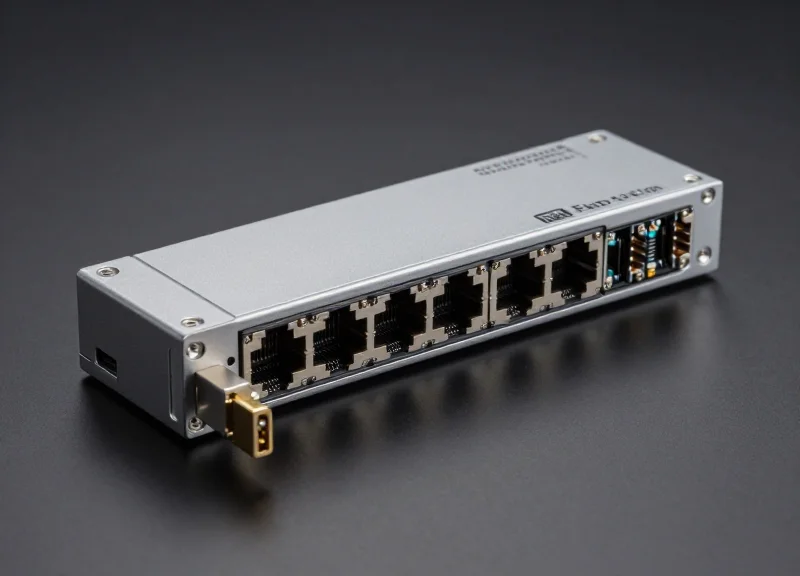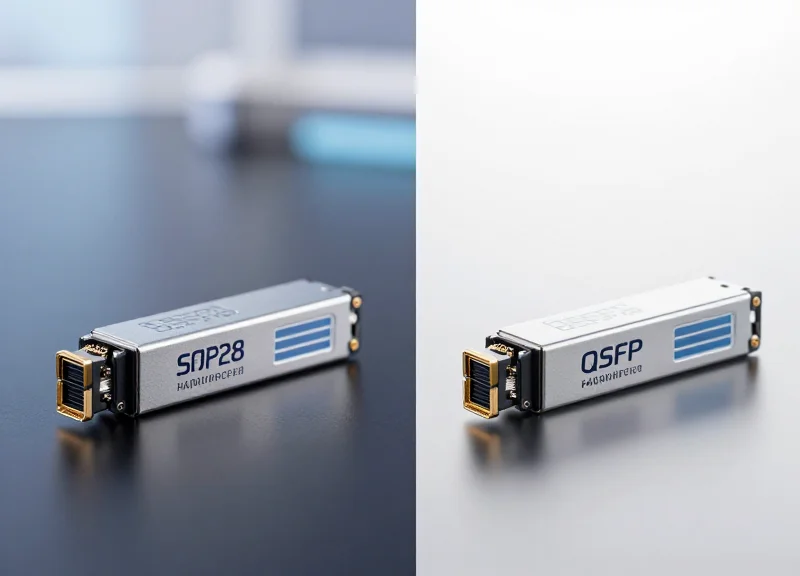
In high-performance networking, the choice of optics is often an afterthought compared to the switch hardware. However, transceivers are the primary interface for data transfer and significantly impact power budgets and latency. This guide explores whether Juniper's OEM optics justify their premium or if third-party alternatives offer a superior ROI for modern enterprise environments.
The Strategic Importance of Optics in Juniper Ecosystems
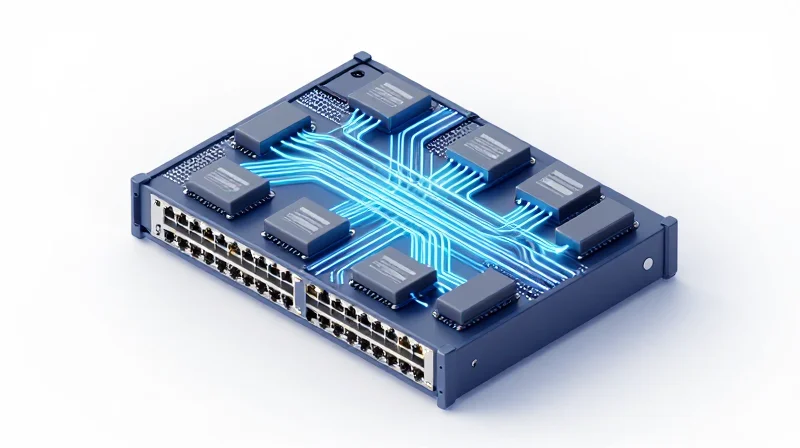
The Strategic Importance of Optics in Juniper Ecosystems
In the context of high-performance networking, optics are far more than simple conversion tools; they are integral components of the Juniper hardware ecosystem. The Junos Operating System (Junos OS) is designed to interact deeply with transceiver firmware, establishing a hardware-level handshake that ensures every bit of data is transmitted with maximum signal integrity. This synergy is particularly vital in carrier-grade environments where even a minor firmware mismatch can lead to intermittent link drops, data corruption, or catastrophic port failures.
Junos OS and Firmware-Level Synergy
Juniper switches utilize sophisticated I2C bus communications to poll transceiver modules for real-time telemetry. This process involves verifying the Digital Optical Monitoring (DOM) data, which tracks temperature, voltage, and laser bias current. When using official Juniper optics, the firmware is tuned to specific thresholds defined within Junos, allowing the OS to proactively mitigate thermal issues or power fluctuations before they impact the data plane. Alternatives often lack this precise tuning, leading to 'noisy' diagnostics or false-positive alarms that can trigger unnecessary failover events.
| Operational Metric | Juniper OEM Optics | Generic Alternatives |
|---|---|---|
| Firmware Validation | Full Native Integration | Variable or Emulated |
| DOM Accuracy | High-Precision Telemetry | Estimated or Unreliable |
| Junos CLI Visibility | Native Serial and Part Identification | Limited or 'Unknown' Status |
| System Stability | Guaranteed Compatibility | Potential for Port Flapping |
Integration and Stability FAQs
- Does Junos OS block non-Juniper optics?
By default, Junos may display a warning for 'unsupported' modules, but it rarely blocks traffic. However, without the correct vendor-specific coding, users often lose access to critical diagnostic commands and specialized technical support. - How does hardware integration affect network uptime?
Deep integration allows for faster failure detection. Juniper-certified firmware ensures the switch can differentiate between a physical fiber break and a transceiver malfunction, significantly reducing Mean Time to Repair (MTTR).
Latency Benchmarks: Do Third-Party Optics Slow Down Your Network?
Latency Benchmarks: Do Third-Party Optics Slow Down Your Network?
The performance reality in modern networking is that third-party optics do not inherently increase latency compared to Juniper-branded modules. Because optical transceivers operate at the Physical Layer (Layer 1), the time required for electrical-to-optical conversion is governed by the laws of physics and the specifications of the onboard Digital Signal Processor (DSP) or Clock and Data Recovery (CDR) chips. When comparing a Juniper original to a high-quality alternative using the same internal silicon, the latency difference is effectively zero, typically measured in the sub-nanosecond range.
Component Consistency Across Brands
Juniper Networks, like most Tier-1 switch vendors, does not manufacture the laser diodes or the internal chipsets used in their transceivers. Instead, they source these components from a handful of specialized manufacturers like Finisar, Lumentum, or Broadcom. Reputable third-party providers source from these exact same factories. Consequently, the internal signal path—from the switch's electrical interface to the optical fiber—remains identical regardless of the logo on the transceiver's pull-tab.
| Metric | Juniper Original (OEM) | Tier-1 Compatible | Generic/Whitebox |
|---|---|---|---|
| Signal Latency | < 1ns (typical) | < 1ns (typical) | < 1ns (typical) |
| Bit Error Rate (BER) | 10^-12 | 10^-12 | 10^-9 to 10^-11 |
| Internal Chipset | Broadcom/Marvell | Broadcom/Marvell | Unverified/Variable |
| Junos Performance | Optimized | Optimized | May show FCS errors |
Bit Error Rate (BER) and Indirect Latency
While direct propagation latency is a non-issue, 'indirect latency' can occur if an optic produces a high Bit Error Rate (BER). If a transceiver’s signal integrity is poor, Junos OS will detect Frame Check Sequence (FCS) errors or packet drops. At the transport layer, this triggers TCP retransmissions, which drastically increases effective latency. High-quality third-party optics maintain the same 10^-12 BER standard as Juniper originals, ensuring that the network does not suffer from these performance-sapping retransmissions.
- Does using non-Juniper optics increase CPU overhead on the switch?
No. The switch CPU handles the control plane (I2C communication for DOM), while the traffic itself flows through the ASIC and the optic at wire speed without CPU intervention. - Can third-party optics affect jitter?
Jitter is primarily a function of the Clock and Data Recovery (CDR) component. If the third-party optic uses the same tier of CDR as the OEM, jitter levels will be identical. - Why do some users report 'slower' speeds with cheap optics?
This is almost always due to packet loss and the resulting TCP windowing behavior, rather than the actual speed of the light signal through the optic.
Power Consumption Dynamics and Thermal Efficiency
Power Consumption Dynamics and Thermal Efficiency
In high-density Juniper EX and QFX deployments, the transceiver is not a passive component but a significant contributor to the switch's overall thermal envelope and power budget. While a single SFP+ or QSFP28 module draws relatively low wattage, the aggregate power consumption across a fully loaded 48 or 96-port chassis can vary by as much as 20% when comparing Juniper original optics to high-quality or generic alternatives. Junos OS utilizes sophisticated power management to monitor these levels, and variances in transceiver efficiency directly translate to higher cooling requirements and increased electricity costs over the hardware lifecycle.
Comparative Power Draw: OEM vs. Third-Party
Juniper original optics are engineered to operate strictly within the specified power classes of the EX and QFX series. High-quality alternatives often mirror these specifications, but generic optics frequently suffer from 'power creep' due to less efficient voltage regulators and sub-optimal laser drivers.
| Optic Type | Juniper OEM (Typical Watts) | Premium Alternative (Typical Watts) | Generic/Low-Cost (Typical Watts) |
|---|---|---|---|
| 10G SFP+ SR | 0.8W - 1.0W | 0.8W - 1.1W | 1.2W - 1.5W |
| 40G QSFP+ SR4 | 1.2W - 1.5W | 1.3W - 1.5W | 1.8W - 2.2W |
| 100G QSFP28 LR4 | 3.5W - 4.0W | 3.5W - 4.2W | 4.5W - 5.5W |
The Thermal Multiplier and Cooling Costs
Every additional watt consumed by a transceiver is released as heat, necessitating a corresponding increase in cooling capacity. In data center environments, the 'Cooling Multiplier' (PUE factor) is typically around 1.5x. This means that for every 100W of excess power consumed by inefficient optics, an additional 50W of power is required for the HVAC system to extract that heat. For a QFX5120-48Y switch fully populated with inefficient 25G optics, this can result in an annual OpEx increase of several hundred dollars per switch, quickly eroding the initial capital savings of cheaper optics.
Power Efficiency FAQ
- Can third-party optics cause power alarms on Juniper switches?
Yes. If a transceiver draws more current than the port's allocated power class allows, Junos OS may trigger a 'Power Budget Exceeded' alarm or, in extreme cases, disable the port to protect the system board. - Do higher power draws affect the lifespan of the optic?
Absolutely. Higher power consumption leads to higher internal junction temperatures for the laser diode, which is a primary factor in accelerated aging and increased Bit Error Rates (BER) over time. - Is the power difference between brands noticeable in small deployments?
In a single switch setup, the difference is negligible. However, in leaf-spine architectures with hundreds of switches, the cumulative thermal load becomes a critical factor in rack-level cooling design.
Compatibility and the 'Vendor Lock' Myth

The Reality of Software Handshakes and Hardware Locks
While Juniper’s Junos OS performs a "handshake" with inserted transceivers to verify identification codes, the perceived "vendor lock" is largely a software-driven safeguard that can be navigated through precise EEPROM programming. High-quality alternative optics are coded to mimic the specific vendor signatures required by Juniper's EX, QFX, and PTX series, ensuring the switch recognizes the module as a native component without triggering system warnings or disabling the port. True compatibility is not about the logo on the casing, but the integrity of the data stored within the transceiver's firmware.
Digital Optical Monitoring (DOM) and Functional Parity
A common concern is that third-party optics will lose Digital Optical Monitoring (DOM) capabilities, leaving administrators blind to signal degradation. However, because DOM is an industry-standard feature defined by the SFF-8472 MSA (Multi-Source Agreement), alternatives that adhere to these standards provide full visibility. When properly flashed with Juniper-compatible code, these modules report real-time analytics—such as laser bias current, TX/RX power, and temperature—directly to the Junos CLI.
| Feature | Juniper Original | Premium Compatible Alternative |
|---|---|---|
| EEPROM Signature | Native Juniper | Coded to Emulate Native |
| DOM/DDM Support | Full Visibility | Full Visibility (MSA Compliant) |
| Junos CLI Integration | Automatic | Seamless (if correctly coded) |
| Warranty Compliance | Full | Protected by Law (Magnuson-Moss) |
Navigating 'Unsupported Transceiver' Alarms
In certain Junos versions, inserting a non-Juniper optic might trigger a non-critical 'unsupported transceiver' log message. This is often misinterpreted as a performance failure; however, it is typically just the OS noting a vendor mismatch in the inventory. High-tier third-party optics are tested against specific Junos releases to ensure they bypass these flags entirely, maintaining a clean system log and preventing the switch from placing the interface into an 'err-disable' state.
user@switch> show interfaces diagnostics optics xe-0/0/0
  Physical interface: xe-0/0/0
    Laser bias current                        :  5.621 mA
    Laser output power                        :  0.5120 mW / -2.91 dBm
    Module temperature                        :  32 degrees C / 90 degrees F
Module voltage : 3.2840 V- Does using third-party optics void my Juniper warranty?
No. Under the Magnuson-Moss Warranty Act, a manufacturer cannot void a hardware warranty simply for using a third-party component. Juniper is only required to deny support if the specific third-party part is proven to have caused the failure. - Can I see light levels on alternative optics?
Yes. By using the command 'show interfaces diagnostics optics', you can view the same real-time TX/RX power levels on a compatible optic as you would on an original Juniper module. - What happens if a compatible optic is not coded correctly?
The switch may show the port as 'Link Down' or throw a 'Missing' status in the hardware inventory, even if the physical laser is functioning.
Reliability Metrics: Mean Time Between Failure (MTBF) Comparison
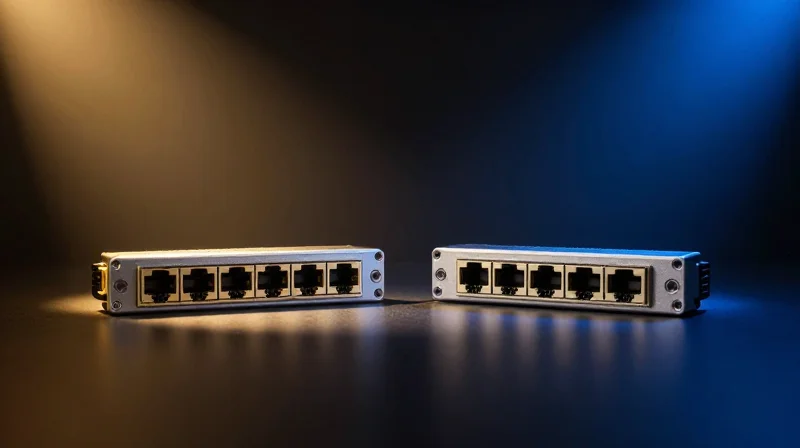
Reliability Metrics: Mean Time Between Failure (MTBF) Comparison
When comparing Juniper Switch optics to alternatives, reliability is quantified through Mean Time Between Failure (MTBF) and the Annualized Failure Rate (AFR). Juniper OEM optics typically boast an MTBF exceeding 1.5 million hours, reflecting stringent component selection and testing. However, Tier-1 MSA-compliant alternatives have narrowed this gap significantly, often achieving MTBF figures within 10-15% of OEM standards, whereas budget-grade generics often fail to reach even 500,000 hours due to inferior laser diode quality and lack of environmental stress screening (ESS).
| Metric | Juniper OEM Optics | Tier-1 Third-Party | Budget/Generic Optics |
|---|---|---|---|
| Advertised MTBF (Hours) | 1,500,000 - 2,000,000 | 1,200,000 - 1,400,000 | 300,000 - 500,000 |
| Annualized Failure Rate (AFR) | < 0.15% | 0.20% - 0.45% | > 1.50% |
| 5-Year Failure Probability | ~0.75% | ~1.25% | ~8.50% |
| Testing Protocol | Full Factory Burn-in | Automated Batch Testing | Sample Testing Only |
The Bathtub Curve and Infant Mortality in Optical Components
Reliability in Juniper environments often follows the 'bathtub curve' model, where failures are most likely to occur either immediately after installation (infant mortality) or at the end of the component's functional life. High-quality alternatives mitigate infant mortality by performing a 24-to-48-hour burn-in at elevated temperatures, a process Juniper performs for all original modules. Budget alternatives often skip this step to reduce costs, leading to a significantly higher rate of 'Dead on Arrival' (DOA) units or failures within the first 30 days of deployment in QFX or EX series switches.
- What does a 1.5 million hour MTBF actually mean?
It is a statistical measure of reliability indicating that in a large population of units, the average time between individual failures is 1.5 million hours. It does not mean a single module will last 171 years, but rather quantifies the aggregate stability of the hardware. - How does heat affect the MTBF of third-party optics?
Heat is the primary enemy of optical longevity. For every 10°C increase in operating temperature above the rated threshold, the MTBF of an optic can be reduced by as much as 50%. This makes the thermal efficiency of the optic's internal circuitry critical. - Is the cost of Juniper OEM optics justified by their MTBF?
For mission-critical core layers where even a 0.1% difference in failure rate can cause massive downtime, the OEM premium is often seen as insurance. For access layers, the high MTBF of Tier-1 alternatives usually provides the best balance of cost and uptime.
Total Cost of Ownership (TCO): Beyond the Purchase Price
The CAPEX vs. OPEX Equation in Optical Networking
True financial efficiency in a Juniper-based data center is not achieved at the point of purchase, but through the lifecycle management of the hardware. While the Capital Expenditure (CAPEX) for third-party optics can be 60% to 80% lower than Juniper OEM list prices, the Operational Expenditure (OPEX) can escalate quickly if the chosen alternatives lead to increased troubleshooting cycles or frequent hardware replacements. A direct answer to the TCO dilemma is that premium alternatives—those that offer 100% compatibility and high MTBF—provide the lowest TCO by balancing low entry costs with the stability required to minimize labor-intensive maintenance.
Comparative TCO Breakdown
| Cost Factor | Juniper OEM Optics | Premium Third-Party | Generic/White-Box |
|---|---|---|---|
| Initial Unit Price (CAPEX) | Very High | Moderate | Very Low |
| Sparing Ratio Required | Low (1-2%) | Moderate (3-5%) | High (10%+) |
| Labor: Installation & Testing | Minimal | Minimal | High (due to DOA risk) |
| Downtime Risk Level | Lowest | Low | Significant |
| 5-Year Projected TCO | High | Lowest | Moderate-High |
The Hidden Costs of Sparing and Replacement Labor
When deploying Juniper EX or QFX series switches, the cost of a spare optic is more than its purchase price; it includes the cost of warehouse space, inventory tracking, and the 'shelf-life' of the technology. Organizations using generic optics often employ a '1-for-5' sparing strategy to account for higher failure rates, whereas premium alternatives allow for a leaner '1-for-20' approach. Furthermore, every optic failure requires a field engineer's time to diagnose the link, swap the module, and verify the light levels via Junos OS. If an optic fails prematurely, the labor cost alone frequently exceeds the original savings of a 'bargain' module.
Total Cost of Ownership FAQ
- How does Digital Optical Monitoring (DOM) affect TCO?
DOM allows for proactive monitoring of temperature and laser power. Optics that support full DOM integration with Junos reduce TCO by allowing admins to replace failing optics before they cause a total network outage. - Is the risk of downtime worth the CAPEX savings?
In core environments, a single hour of downtime can cost thousands of dollars, making the savings on cheap optics irrelevant. However, in non-critical access layers, the risk-to-reward ratio for lower-cost alternatives is much more favorable. - Does using third-party optics void Juniper's warranty?
No, but it changes the support workflow. If a port issue is traced specifically to a third-party optic, Juniper may require the user to test with an OEM optic before proceeding with a switch RMA, adding potential labor time to the TCO.
Navigating Juniper TAC and Warranty Policies
Using third-party optics does not void your Juniper switch hardware warranty, but it modifies the level of support provided by Juniper's Technical Assistance Center (TAC) for issues specifically related to the optical link. While the Magnuson-Moss Warranty Act protects consumers from having warranties voided due to the use of compatible parts, Juniper reserves the right to withhold support for physical layer issues until the third-party component is ruled out as the root cause.
The Legal Reality: Magnuson-Moss Warranty Act
In the United States, the Magnuson-Alpha Warranty Act (and similar global consumer protection laws) prohibits manufacturers from tying a hardware warranty to the exclusive use of their own branded peripherals. If a Juniper EX series switch suffers a power supply failure or a control plane crash, Juniper must honor the warranty regardless of the transceivers plugged into the SFP ports. The burden of proof lies with the manufacturer to demonstrate that a third-party optic caused physical damage to the switch before a warranty claim can be denied.
Juniper TAC Support Triage Scenarios
| Issue Category | Support Status (Genuine Optics) | Support Status (Alternative Optics) |
|---|---|---|
| Chassis/Software Defects | Full Support and Bug Tracking | Full Support and Bug Tracking |
| Interface Errors/CRC Failures | Full End-to-End Troubleshooting | Support may require 'Known Good' test |
| Physical Port Damage | Automatic RMA Coverage | RMA may be denied if optic caused damage |
| Firmware/Junos Compatibility | Guaranteed and Supported | Limited to 'Best Effort' support |
Navigating the 'Known Good' Requirement
The most common friction point with Juniper TAC occurs during physical layer troubleshooting. If a technician suspects the optical transceiver is causing bit errors or link flaps, they will typically request that you replicate the issue using a 'Known Good' Juniper-branded optic. If the issue persists with the genuine optic, TAC will continue the investigation. If the issue disappears, the problem is deemed to be with the third-party component, and the case is closed. For this reason, many enterprises maintain a small 'seed stock' of original Juniper optics specifically for troubleshooting purposes.
Warranty and Support FAQ
- Will Juniper TAC refuse to open a ticket if I use 3rd party optics?
No. Juniper TAC will open tickets for any software or hardware issue. They only limit support if the troubleshooting points directly to the non-Juniper transceiver. - Can a third-party optic physically damage my switch?
While extremely rare, poorly manufactured optics could theoretically cause electrical shorts or mechanical damage to the cage. Using high-quality MSA-compliant alternatives virtually eliminates this risk. - What is the 'Seed Stock' strategy?
It is the practice of keeping 2-5% of your total optical inventory as genuine Juniper parts to satisfy TAC troubleshooting requirements while using alternatives for the remaining 95%.
Sustainable Networking: The Green Advantage of High-Efficiency Optics
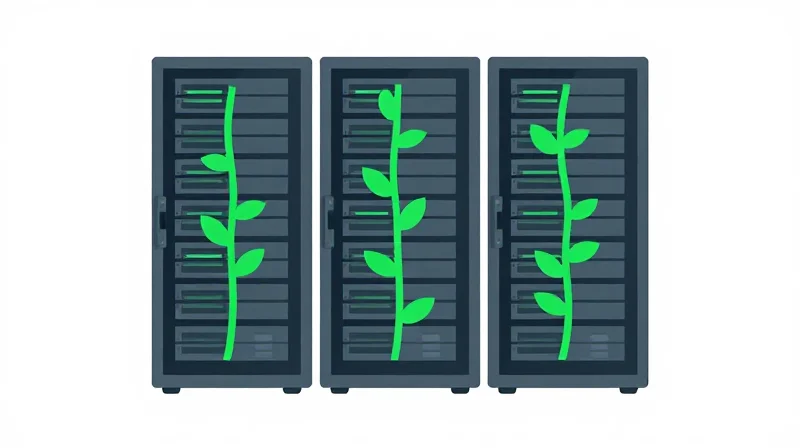
Sustainable networking is no longer a peripheral concern but a technical necessity for modern data centers. In a Juniper-based leaf-spine architecture, transceivers can account for up to 10-15% of total switch power consumption. Choosing high-efficiency optics directly reduces the carbon footprint by lowering both direct electricity usage and the secondary cooling load required to manage thermal dissipation, making them a cornerstone of 'Green IT' initiatives.
Power Dissipation and Thermal Efficiency
The energy profile of an optical transceiver is measured by its power consumption in Watts (W). While a difference of 1-2 Watts per module might seem negligible, it scales exponentially in a leaf-spine fabric utilizing hundreds of 100G or 400G ports. Lower power consumption leads to lower operating temperatures, which extends the lifespan of both the optics and the Juniper switch chassis.
| Optic Type | Typical Power Consumption (400G QSFP-DD) | Thermal Output (BTU/hr) | Environmental Impact |
|---|---|---|---|
| Juniper OEM Standard | 12.0W - 13.5W | 40.9 - 46.1 | Baseline energy footprint for high-performance optics. |
| Standard Third-Party | 13.0W - 15.0W | 44.3 - 51.2 | Higher heat generation; may require increased fan speeds. |
| High-Efficiency/ULP Alternatives | 10.0W - 11.5W | 34.1 - 39.2 | Significant reduction in PUE; ideal for green-certified facilities. |
Manufacturing Sustainability and Circular Economy
The 'Green Advantage' extends beyond the operational phase into the manufacturing lifecycle. Leading alternative optics providers often utilize Silicon Photonics (SiPh), which integrates multiple optical functions onto a single silicon chip. This reduces the number of discrete components, lowers material waste during production, and results in a more recyclable end-of-life product compared to traditional assembly methods used in some legacy OEM supply chains.
Sustainability FAQ
- How do high-efficiency optics affect Data Center PUE?
Power Usage Effectiveness (PUE) improves as the ratio of total facility power to IT equipment power decreases. By lowering the power draw of the optics, you simultaneously reduce the energy required for CRAC (Computer Room Air Conditioning) units to remove that heat, creating a compounding energy saving. - Do third-party optics meet the same environmental regulations as Juniper?
Yes. Reputable alternative vendors must comply with the same global standards, including RoHS (Restriction of Hazardous Substances) and REACH (Registration, Evaluation, Authorisation and Restriction of Chemicals), ensuring no toxic materials are used in their construction. - Can I monitor power consumption in Junos OS?
Absolutely. Using the 'show chassis pic fpc-slot X pic-slot Y' or 'show interfaces diagnostics optics' commands in Junos, administrators can monitor real-time power draw and temperature, allowing for precise tracking of the network's energy footprint.
Selection Framework: When to Choose OEM vs. Third-Party
Strategic Selection: Navigating the OEM vs. Third-Party Landscape
Choosing between Juniper OEM and third-party optics is a strategic exercise in risk management and fiscal optimization, where the criticality of the network segment dictates the acceptable level of hardware abstraction. While the Juniper-branded ecosystem offers the path of least resistance for technical support and firmware compatibility, the maturity of the third-party market now allows for significant CapEx reduction without compromising the integrity of the data plane, provided a rigorous validation process is followed.
The Tiered Deployment Matrix
| Deployment Tier | Recommended Optics | Primary Rationale | Risk Tolerance |
|---|---|---|---|
| Core / Backbone (PTX/QFX) | Juniper OEM | Guaranteed Junos compatibility and priority TAC troubleshooting. | Ultra-Low |
| Data Center Leaf / Access | Premium Third-Party | High-density scaling where cost-per-port is the primary KPI. | Moderate |
| Branch / Campus Edge | Third-Party | Redundancy handled at L3; hardware failures have localized impact. | High |
| Lab / Development | Generic Third-Party | Budget preservation; zero production risk during failures. | Very High |
Decision Criteria Checklist
- Criticality of the Link
Evaluate the cost of potential downtime. If a link failure triggers an immediate revenue loss, the 'plug-and-play' assurance of OEM optics often justifies the price premium. - Firmware and Software Consistency
Determine if the third-party vendor provides 'Juniper-coded' EEPROMs that mimic original vendor signatures to avoid 'unsupported transceiver' warnings in Junos OS. - Sparing and Supply Chain Velocity
Assess whether the alternative vendor offers local sparing and faster lead times than the OEM, which is often a decisive factor for rapid global expansions. - Warranty and Regulatory Compliance
Verify that the use of alternatives aligns with internal risk policies and that the chosen vendor offers a lifetime replacement warranty to offset the lack of direct Juniper support.
Procurement and Implementation FAQ
- Can I mix OEM and third-party optics in the same Juniper chassis?
Yes, Juniper switches support mixed environments, though it is best practice to keep consistent optics within a single Link Aggregation Group (LAG) to ensure uniform latency and signal characteristics. - Will third-party optics void my Juniper Care warranty?
No. Under the Magnuson-Moss Warranty Act and similar global regulations, using third-party peripherals does not void the hardware warranty, though Juniper may request OEM optics for specific physical layer troubleshooting. - How many spares should I stock when using third-party alternatives?
A standard rule of thumb is a 5 to 10 percent sparing ratio for third-party optics, compared to 1 to 2 percent for OEM, allowing for immediate physical replacement without waiting for vendor RMAs.
Choosing between Juniper Switch Optics and alternatives requires balancing upfront savings with long-term reliability and operational efficiency. By analyzing latency, power, and TCO, organizations can build more resilient and cost-effective infrastructures. Ready to optimize your network? Contact our engineering team for a custom performance audit and transceiver compatibility roadmap.